Nullam dignissim, ante scelerisque the is euismod fermentum odio sem semper the is erat, a feugiat leo urna eget eros. Duis Aenean a imperdiet risus.

Solution board

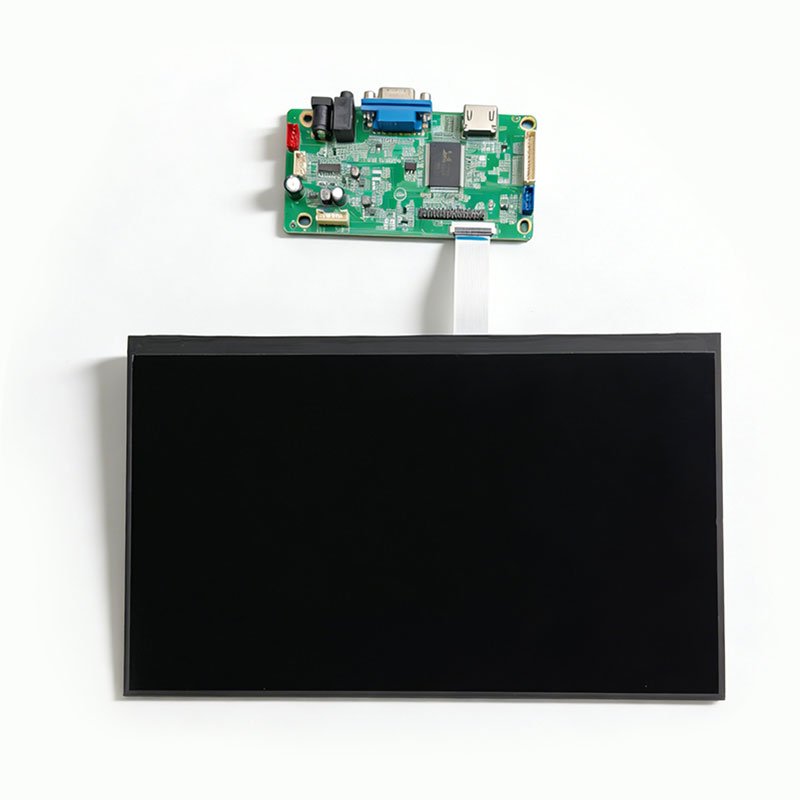
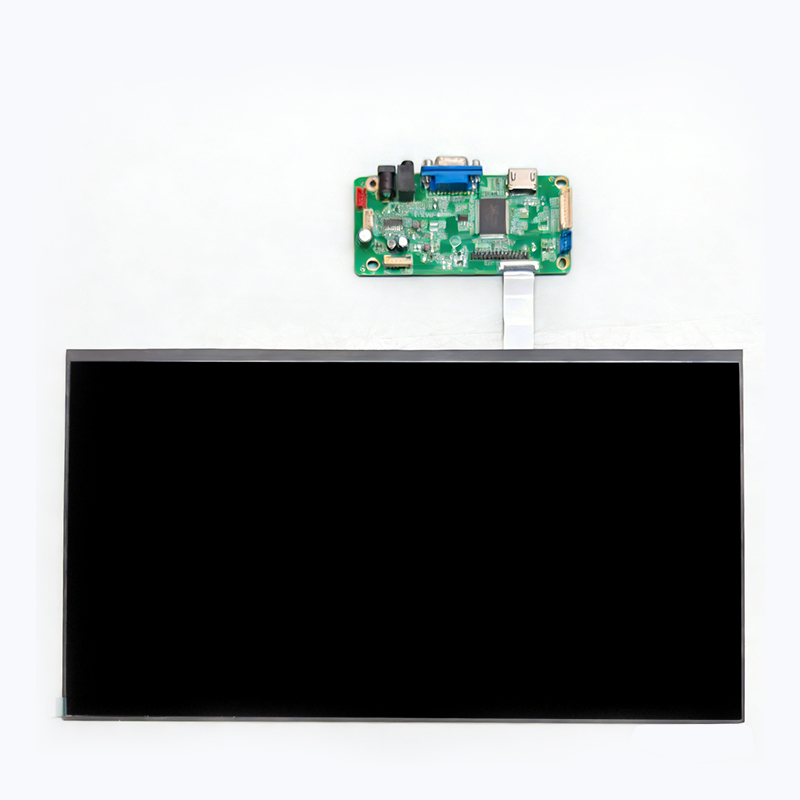
In the fields of electronic hardware, industrial equipment and display terminals, solution boards are a type of integrated core circuit board customized for specific product functional requirements. They are also often called "functional solution boards" or "application solution boards" and serve as a key intermediate carrier connecting the display assembly and the main control system of the equipment.
FAQ

Frequently Asked Questions

FAQ4
FPC breakage in LCD displays may be caused by several factors, including: the bending radius being too small, less than the design allowable value (generally ≥3 times the FPC thickness); or the tensile force during assembly exceeding the tensile strength of the FPC (approximately 50-100 N/cm² for standard FPC).
The main reasons are: A. Unstable driving voltage, VCOM voltage drift, and a mismatch between the TFT common electrode voltage (VCOM) and the pixel voltage, leading to unstable electric field at mid-gray levels.
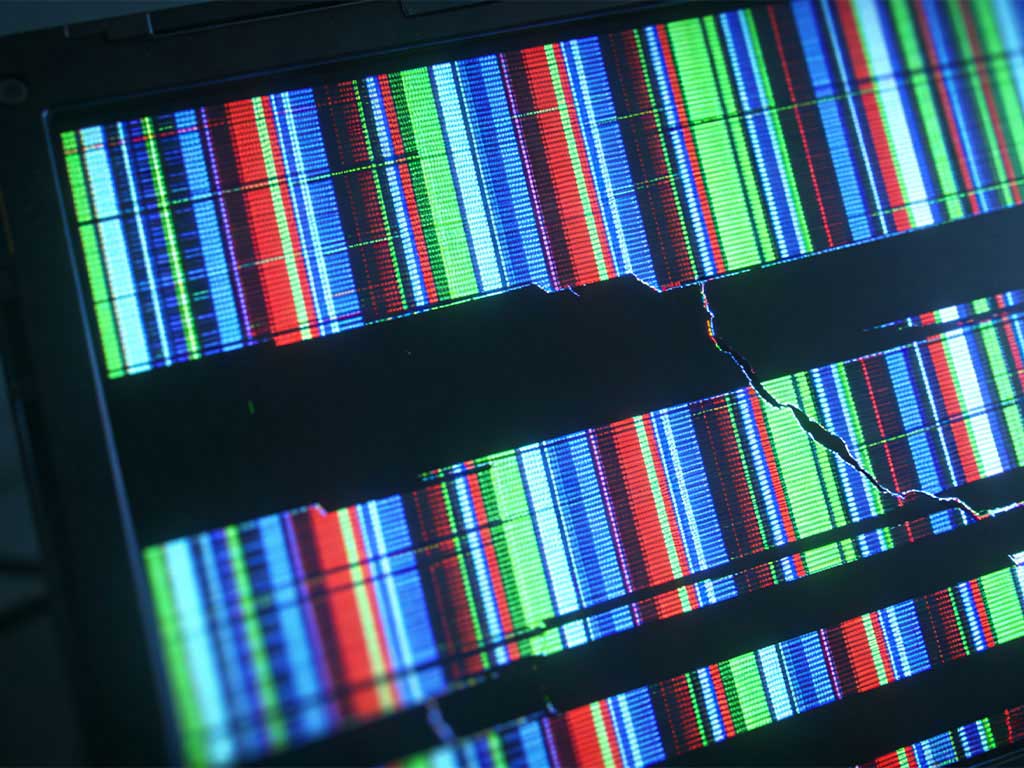
A. Signal Transmission Link Issues Poor contact, oxidation of the connector, or poor/damaged cable quality in signal cables (such as HDMI, DisplayPort, VGA) can cause digital signal transmission errors or interruptions. Additionally, excessively long signal transmission distances or strong electromagnetic interference can also cause signal distortion. B. Graphics Processing Unit or Driver Issues Outdated, incompatible, or incorrectly installed graphics card (GPU) drivers. The graphics card itself may malfunction due to overheating, overloading, or hardware aging, failing to properly render and output image signals. C. Display Screen Malfunctions Physical damage to the display's internal timing controller, driver IC, or the LCD panel itself. Poor contact or damage to the ribbon cable (the flexible circuit connecting the driver board and the LCD panel) is also a common hardware cause of screen flickering.
A. Improper Refresh Rate Settings or Signal Desynchronization An excessively low screen refresh rate setting (e.g., below 60Hz) in the operating system or graphics card driver, or a refresh rate not supported by the display, can lead to poor image stability. A mismatch between the output resolution or timing of the input signal source (such as a computer) and the display's optimal parameters can also cause synchronization problems. B. Unstable Power Supply A malfunctioning power adapter, power board, or internal DC-DC converter circuit supplying power to the display can cause ripple or fluctuations in output current and voltage, directly affecting the stable operation of the backlight driver and motherboard chips, resulting in flickering. C. Backlight Dimming Mechanism Issues Especially for displays using PWM (Pulse Width Modulation) dimming, at low brightness settings, if the PWM frequency is low, the human eye can easily perceive rapid changes in backlight brightness, resulting in flickering. Some displays may also exhibit jitter under AC frequency interference.
about-us
Core Display Module

Register now to get our core display modules as soon as possible.

We are committed to providing customers with reliable core display modules, in-depth customization support, highly competitive prices, and a wide range of technical options to empower your innovation.

    Your Name*

    Email*

    Tel*

    WhatsApp*

    Message*

    Products
    Contacts
    WhatsApp
    Email